Skip to content

iPad Portfolio

iPad Portfolio

It’s now the time to prepare for your next job. There are lots of things designers need such as leave behinds, website, resume and a portfolio to showcase work on the go. If you’re like me and spent the last several years working on the web then a print portfolio doesn’t make since. This tutorial will show you the steps needed to make an interactive iPad portfolio that is available to use offline.

There are several ways you can go about making an interactive PDF file. In this example were going to use Indesign and an app called PDF Expert.

Create your InDesign file. Depending on your iPad size it’s good to make the screen at least fit the display on a vertical layout. I also like to make the resolution slighter larger then 72 dpi to take advantage of the retina screen. So I set mine to 150. My iPad display is pretty large its about 12 or 13 in. So I decided to go with a vertical document that is 11.667 x 16.667 in.

Building A Menu

The best way to build an iPad Portfolio is to keep it simple. Think of a main menu navigation. Perhaps have your logo followed by a series of images that represent different projects

Setting Your Buttons

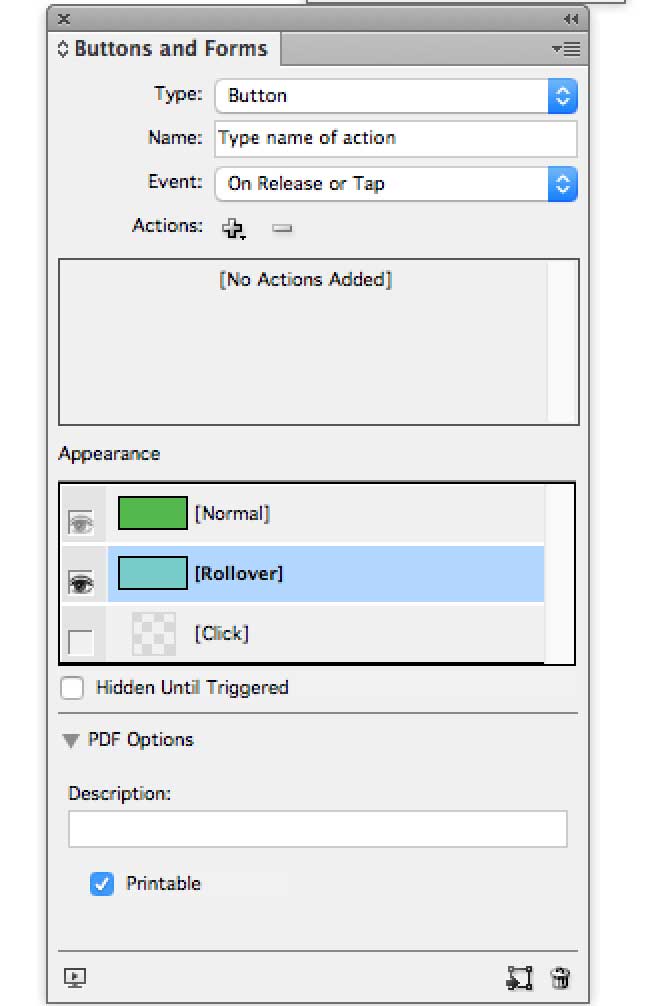
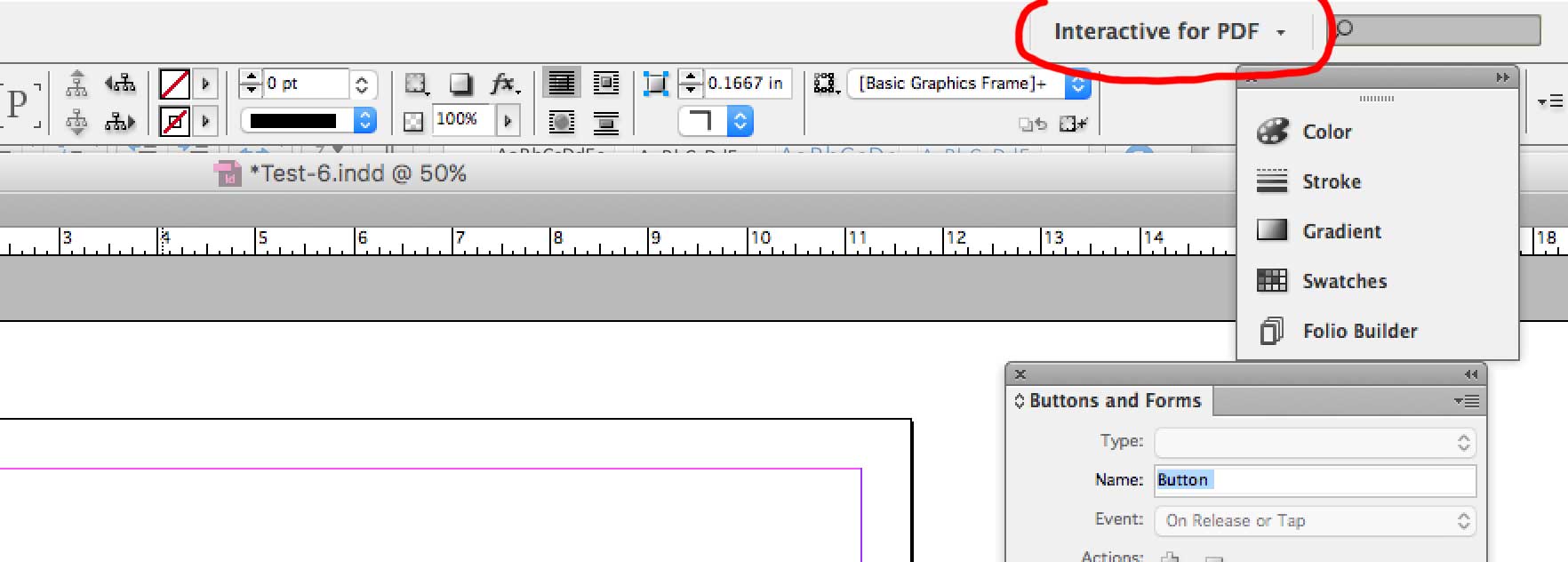
Once you have your menu built go to the upper left corner and change your InDesign file to Interactive for PDF. Next Go to Window > Interactive > Buttons & Forms. This will allow you to create buttons to your document and give them different properties.

Set your buttons to On Release or Tap. This will work with an Ipad or phone.

The button structure is limited. So I decided to set a Go To Destination on each portfolio item on the main menu. These are setup to use Indesign files.  Then at the end of each project I have a button that goes back to the Main menu. This keeps everything together and makes navigation easy.

Open in PDF Program

Save all your files as a PDF and open them in PDF Expert. All the links will work and you have an interactive iPad presentation. I tried using Acrobat but didn’t have much luck with the links. Other PDF programs may do the job as well.

Related Posts

Related Posts